Getting Started with Work Wallet

We want to talk you through what happens after you sign up with us and how we help you get up and running quickly, with as little effort on your side as possible. Work Wallet is designed to be fast to launch and easy to adopt, whether you're rolling out to one site or many.
Engineer in hard hat and safety vest holding a tablet inside an industrial facility Lab technician in a white coat smiling while using a tablet in a laboratory
Two construction workers in hard hats reviewing information on a tablet outdoors Technician in overalls using a tablet near wall-mounted equipment
Worker in high-visibility jacket checking a control panel while holding a tablet
Two workers in high-visibility jackets and hard hats reviewing a tablet at an outdoor worksite
Worker in a hard hat holding a tablet at a shipping container site
Worker in an orange safety vest and hard hat using a smartphone at a worksite Worker wearing ear protection and gloves using a tablet on a construction site
Bakery worker with glasses using a tablet and stylus near shelving racks Industrial technician in a safety vest inspecting overhead equipment with a tablet

Quick and easy onboarding

Fast setup:
live in minutes, not weeks
Flexible onboarding:
shaped around what you've purchased
Minimal IT effort:
we handle the complex bits
Real support from real people

Step-by-step

1

Step 1: Wallet Creation

Your secure Work Wallet environment is created straight away, so your admins can log in immediately, invite colleagues and start exploring.
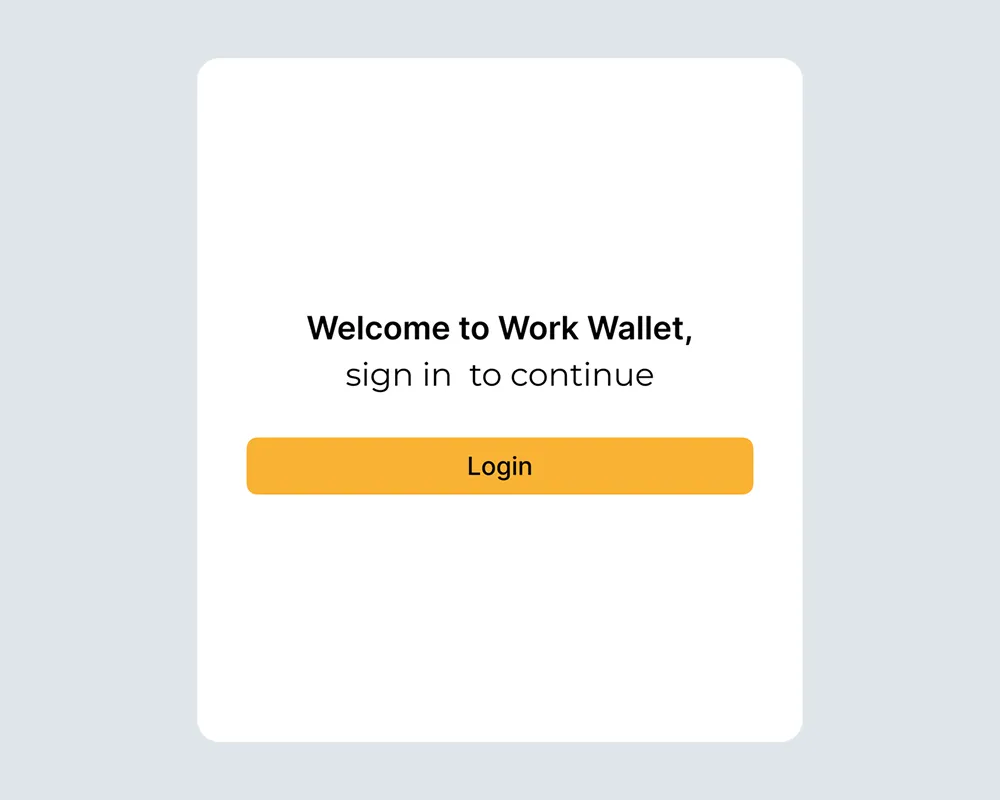
Login screen for Work Wallet with a welcome message and a button
2

Step 2: Bulk Import

We can quickly populate your wallet with basic details such as sites, employees, contractors, and more...

Hand using a computer mouse at a desk with a keyboard and monitor in the background
3

Step 3: Training or Wallet Configuration

If you've chosen wallet training or configuration support, our client engagement team will handle it with you. That could include:

  • Form creation (audits, inspections, permits, induction, etc.)
  • Running live training sessions
  • Supporting specific teams or locations

Smiling woman sitting at a desk with a laptop, wearing a hoodie in an office setting
4

Step 4: Integrations Setup

We'll configure any integrations you've selected, such as:

  • Single Sign-On (SSO) for easy logins
  • Power BI for advanced reporting and dashboards

This makes sure your rollout is smooth and focused.

Grid of app logos including Google Drive, Gmail, Slack, Teams, and other integrations
5

Step 5: Go-live and Adoption

Once everything is in place, you're ready to roll out to your teams. You'll have guides, support, and visibility so you can monitor adoption from day one.

Two workers in safety vests reviewing information on a tablet at a job site
6

Step 6: Help and Support

You'll always have access to:

  • Our full Knowledge Base of help articles
  • Our support team via live chat, email or phone

And for customers on eligible plans, you'll also be introduced to a dedicated Account Manager to support longterm success.

Smiling woman with long hair looking at a computer in a bright office setting

Get Started

Join the 10,000+ companies that grow with Work Wallet every day - trusted to simplify operations, boost safety, and keep teams connected.

Book a Demo