
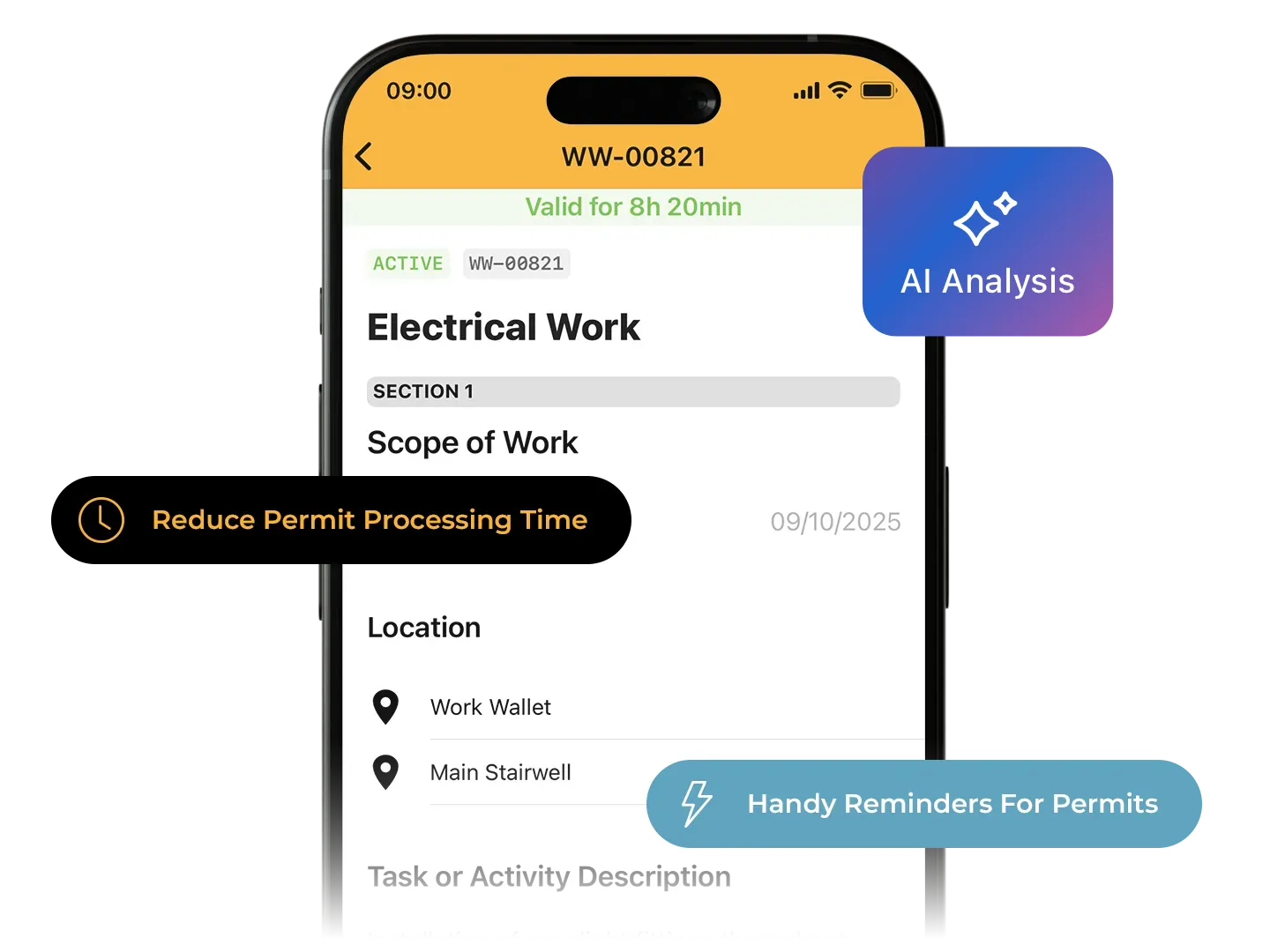
Permit to work
Our easy-to-use digital permit to work system allows you to create and track permits on site to provide a real-time view of high-risk activity.
Manage high-risk tasks safely and clearly
Make sure the right checks are done, risks are controlled, and everyone knows what's expected before work begins.
For companies, it means better safety, less risk, and full compliance.
For workers, it means clear instructions, safer conditions, and fewer delays.
Want to see it in action? Watch the Permits Plus webinar.

Request, complete and review permits easily on site
Real-Time Updates
No need to check a board - see live permit status straight from the app. Know what’s open, what's closing soon, and what’s been completed, all in real time.
Smart Alerts
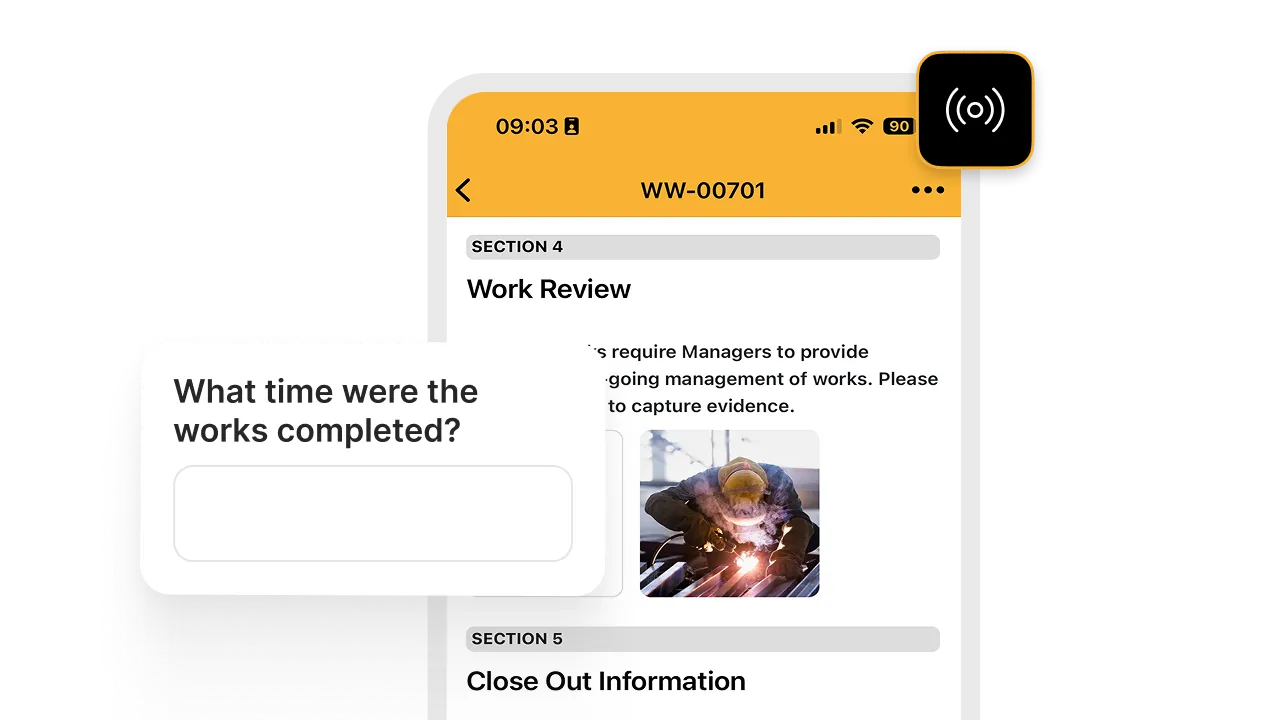
Busy sites mean things can be missed. Get handy reminders for permits that are about to expire or need attention, so you’re always one step ahead.
Easy, Evidence-Based Close-Out
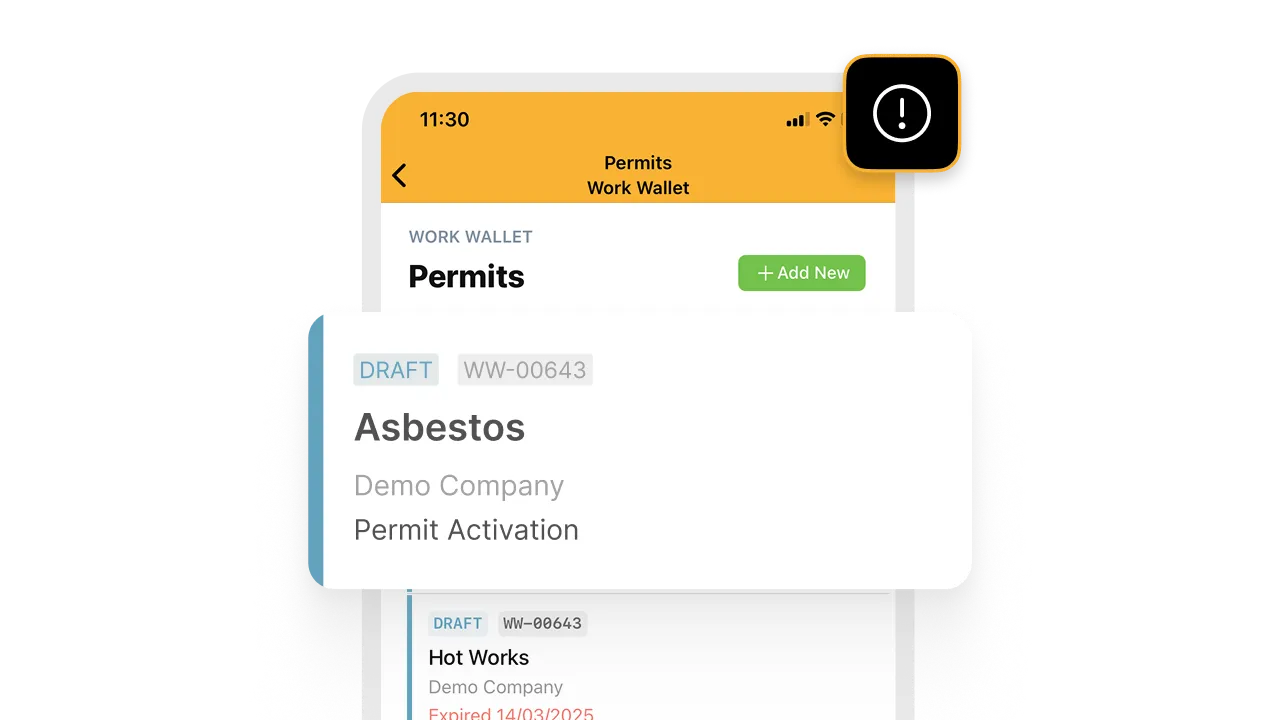
Make sure high-risk work is signed off properly. Add your own steps, like photo evidence or notes, before a permit can be closed.
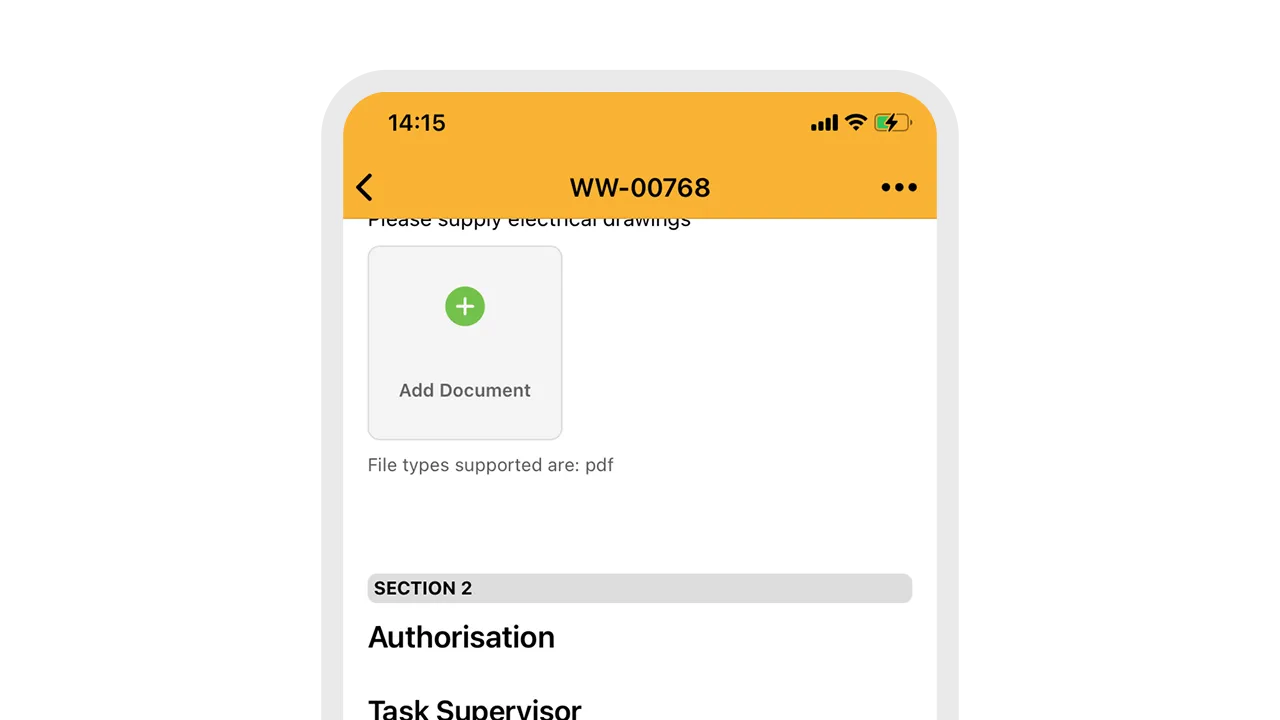
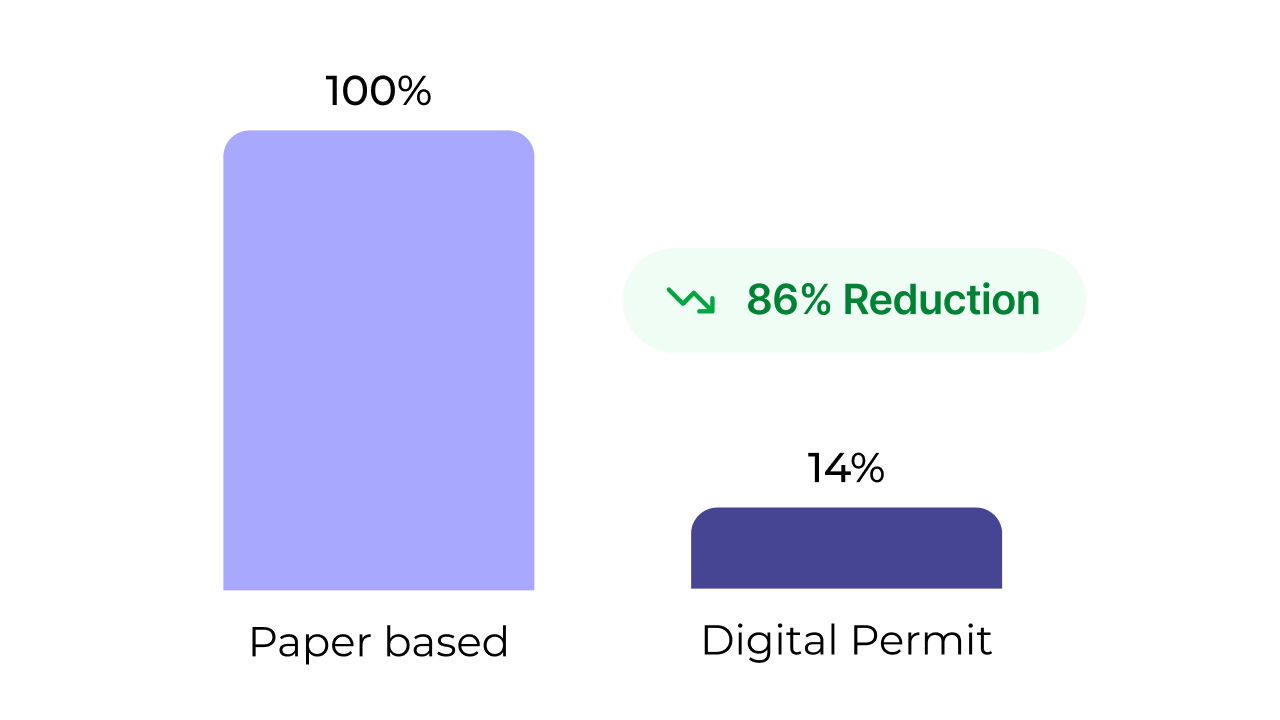
86% reduction in permit processing time
Switching from paper-based to our digital Permit to Work module can reduce permit processing time by up to 86%.
Key features
Who benefits?

Site Managers
Easily see what work is happening, approve permits quickly, and keep things moving safely.

Health & Safety Teams
Stay on top of high-risk activities, make sure the right checks are done, and keep a full record for audits.

Contractors
Request permits before arriving, get clear instructions, and know exactly what’s needed to start work safely.

Senior Leaders
Get peace of mind that the right processes are in place, risks are controlled, and compliance is being met.
Frequently Asked Questions
Do I have to manually close each permit?
Not if you don’t want to. You can configure certain permit categories to automatically expire and close after a certain time. This can be useful for more general permits such as an ATP (Authority to Proceed).
Can I see live permits on my site?
Yes, through both the mobile app and the web portal, your site teams can get real-time information as to which permits are currently live, ensuring managers have accurate information, wherever they are on site.
Can subcontractors submit permit requests?
Yes, through our connected Contractor Gateway, your contractors can not only easily self-enrol and induct, they can submit permit requests by filling in the information mandated by you. They can also add updates and close-out information too.
Can I customise my own permit categories?
Yes, through both the mobile app and the web portal, your site teams can get real-time information as to which permits are currently live, ensuring managers have accurate information, wherever they are on site.
Book a Meeting
If you have some more questions about the Work Wallet platform, you can book a meeting with one of our team who will help answer any queries and show you more of the platform as needed. To book a meeting, please complete the form below and we will be in touch to confirm a date and time that works for you.
You can also view our online demo videos to find out more about each of the modules.
